
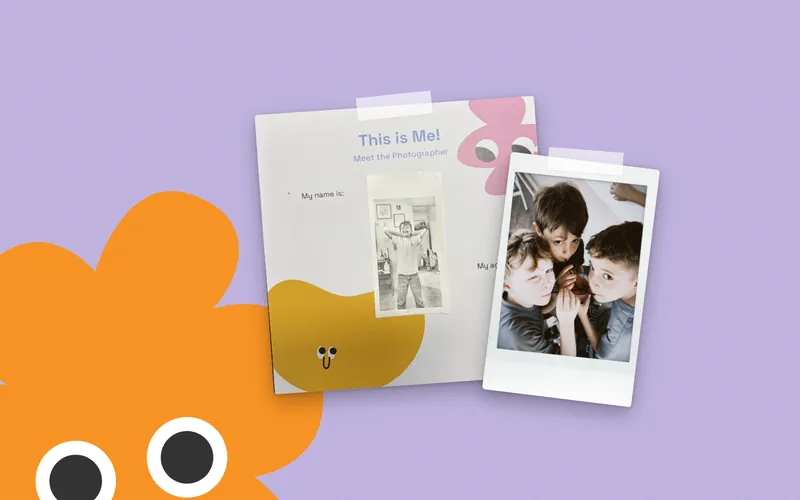
To get the most out of Happic, pick a camera that prints photos in a size that fits the frames, match the pace to your kid’s age, and treat captions as half the fun. Then let the book become a family ritual instead of a homework assignment.
Key takeaways
- Any instant camera, pocket printer or printed phone photo works with the book.
- Ages 4–6 do it together with a grown-up; ages 7–12 can fly solo.
- One mission a week or a weekend sprint: both work, as long as it stays fun.
Whether the book is already on your kitchen table or you’re still deciding, here’s the practical stuff, step by step.
Step 1: Choose your camera or printer
Happic doesn’t come with a camera. That’s on purpose: it works with whatever your family already has. The main options:
- Instant camera, like a Fujifilm Instax Mini. Classic, colorful and magical to watch develop. Each shot uses film, which costs money, so kids learn to make shots count.
- Kids’ thermal-print camera. Prints in black and white on cheap paper rolls. Great for younger kids who want to click a lot.
- Pocket photo printer, like an HP Sprocket or Canon Ivy. Prints from a phone on Zink paper, which has a sticky back. Handy for gluing straight into the book.
- Smartphone plus printing. Take photos on a phone, then print at home or at a photo lab.
Not sure which suits your kid? Our guide to the best cameras for kids walks through the pros and cons of each.
Step 2: Get photo sizes that fit
The frames in the book fit these prints:
- Instax Mini prints (2.1 x 3.4 in)
- Zink / HP Sprocket prints (2 x 3 in)
- Thermal prints from kids’ cameras
- Standard 4 x 6 prints, cut down to size
If you’re printing phone photos at a lab, 4 x 6 is the easy route. Let your kid do the trimming with kid-safe scissors. Deciding what to cut out is its own little lesson in composition.
Step 3: Do it the right way for their age
Ages 4–6: a together project
Little kids do best with a partner: a parent, an older sibling or a grandparent. Read the mission out loud, go on the hunt together, and let them press the button.
Your job is to help with the tricky parts (loading film, peeling stickers, writing) and to step back on the fun parts. They choose what to photograph. Every time.
Ages 7–12: their own project
Older kids can run with it on their own. They read the missions, plan their shots and fill the pages themselves.
Stay close enough to be the audience. Ask to see the latest page. Admire generously. Resist fixing anything.
Step 4: Pick a pace that works
There’s no right speed. Two approaches that work well:
One mission a week
Slow and steady. One mission becomes a little weekly event, and the book stretches across months. It’s great for building a habit and for families with busy weekdays.
The weekend sprint
Pick a free weekend, or a rainy one, and knock out a handful of missions in one go. High energy, lots of momentum, very satisfying.
You can also mix them: a sprint to get started, then a mission a week. And skip around. If Yummy Treats fits tonight’s dinner, do that one tonight.
Step 5: Make captions easy (and fun)
Captions are where the photo turns into a story. They don’t need to be long. A few words is plenty.
For kids who don’t write yet: be the scribe
Ask a question, then write down exactly what they say, word for word. Don’t tidy it up. The funny grammar is the best part when you read it back years later.
Caption prompts to get them going
- “This is ___ and I love it because ___.”
- What happened right after you took this?
- If this photo had a title, what would it be?
- What would the person (or pet) in the photo say?
- One word that describes this picture.
Older kids can try speech bubbles, jokes or a short “behind the scenes” story. For more conversation starters, see how taking photos together strengthens the parent–child bond.
Step 6: Turn it into a family ritual
Happic works best when it has a place in your week. A few ideas:
- Name it. “Mission Monday” or “Snap Saturday.” Kids love a tradition with a title.
- Rotate the boss. Kids pick the mission, the location or who gets photographed.
- Bring in the family. My Favorite Humans is a perfect excuse to visit grandparents.
- End with a show-and-tell. When a page is done, it gets presented at dinner.
Step 7: Keep it as a keepsake
A finished Happic is a book your kid made: their photos, their words, their handwriting. Store it somewhere it’s easy to reach, not boxed in the attic. The best keepsakes are the ones that get pulled off the shelf.
Write the date on the inside cover when you start and when you finish. Future you will be glad you did.
Quick FAQ
Does Happic come with a camera?
No. It works with any instant camera, kids’ thermal-print camera, pocket photo printer, or a smartphone with photos printed at home or at a photo lab.
What ages is it for?
Ages 4 to 12. Kids 4–6 do it together with a grown-up or older sibling, and kids 7–12 can do it on their own.
How many missions are in the book?
There are 30+ photo missions across 36 full-color pages, including Silly Faces, My Besties, Yummy Treats and Cool Collections.
Are there more books coming?
Yes. More volumes are in development, including road trips and vacations, nature scavenger hunts and family connection journals. Join the Happic Club to hear first.
Still deciding? You can see Happic on Amazon, or check our main FAQ.
Have fun with it
There’s no wrong way to fill these pages. Blurry photos, crooked stickers and wild captions all belong. The point is that your kid made it, and you were there for it.

